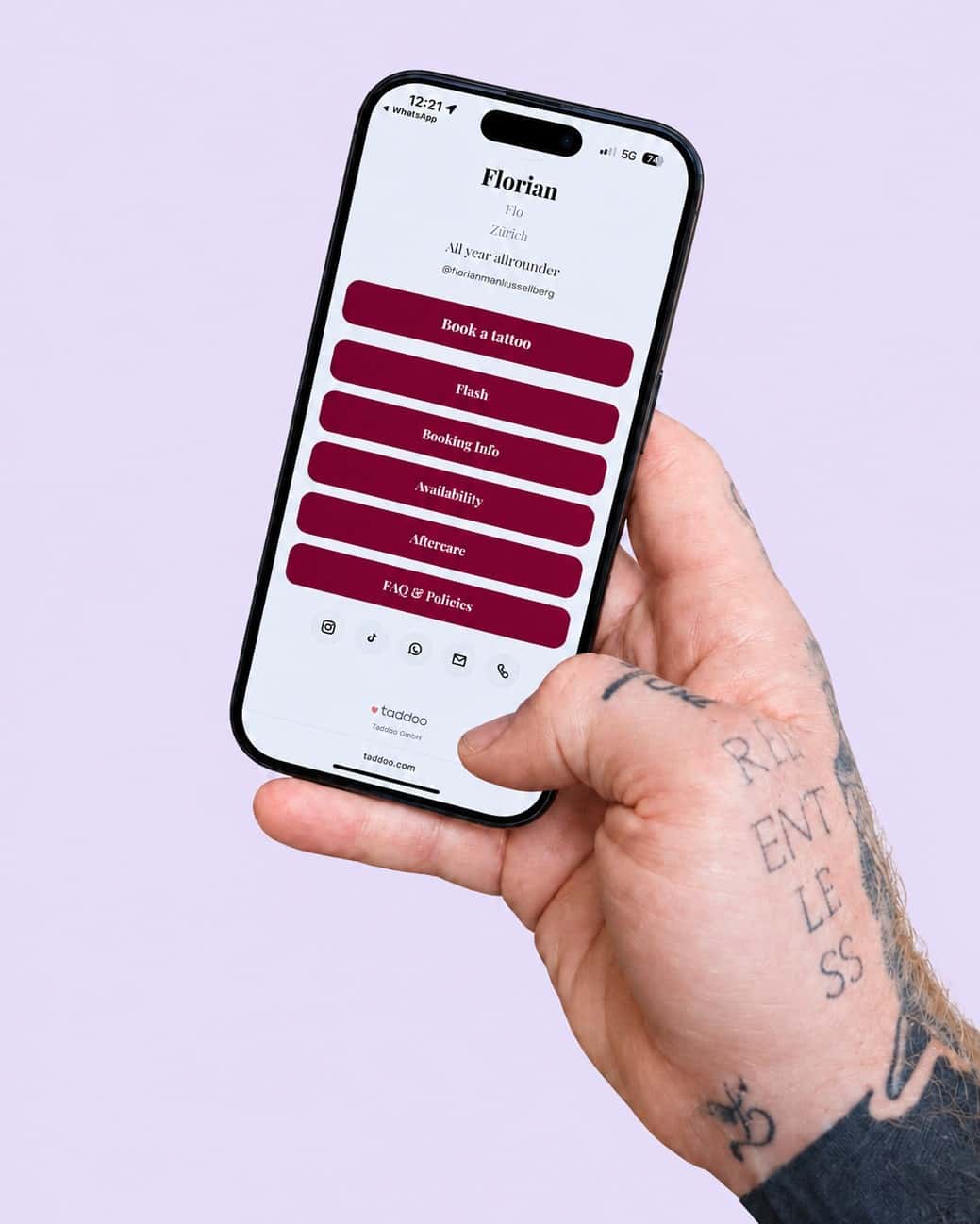
No more appointment ping-pong. No bot between you.
The booking link is an option, not a must. If you use it, you share a link via Instagram, WhatsApp or AirDrop: the client picks a slot that is actually free, pays the deposit, and the appointment sits confirmed in your calendar. If you don't need it, you type appointments in by hand as before.

One link, only your actually free slots.
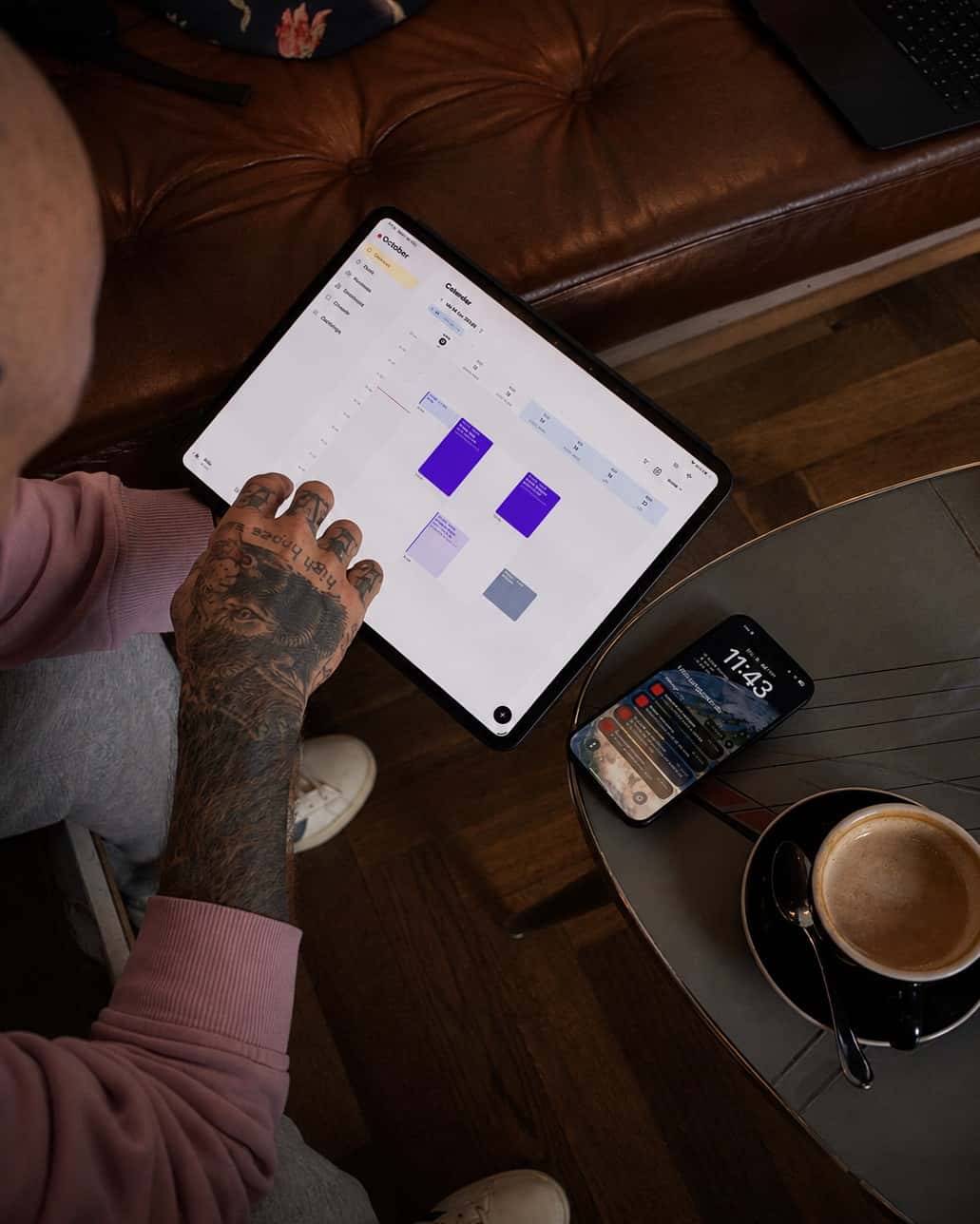
The link knows your weekly schedule, time off and locations. Clients pick date and time, enter name and email and land in your client list by themselves. From a request you send it with one tap.
More about Request form
Book with Noa
Studio Zurich · 3 hrs · US$100 deposit
October 2026
Thu 16 Oct · open times
Paid securely with Stripe · card, TWINT, Apple Pay
Deposit paid, appointment confirmed.
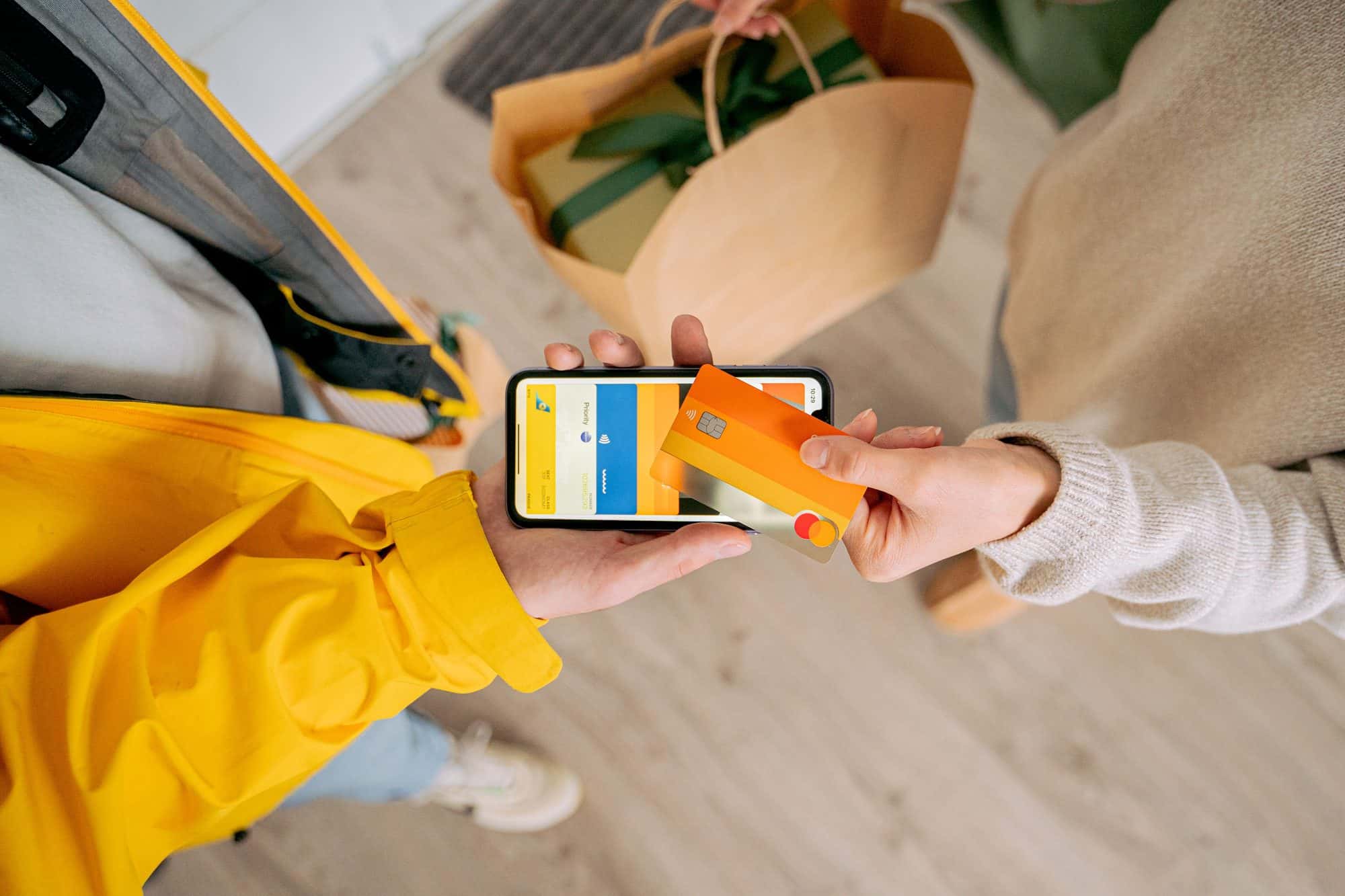
The deposit runs through Stripe, by card, Apple Pay or Google Pay. As soon as it lands, the appointment confirms itself and you get a push notification. You set the amount and the terms; the deposit is settled against the final session.
Lead time
What the client receives
 Noa · Studio Zürich14:00Reminder: your appointment tomorrow at 14:00
Hey Lisa, quick reminder about your appointment tomorrow at 14:00 with Noa. See you!
Reminders by email or text, fewer empty chairs.
The app reminds your clients automatically before the appointment, by email with your wording and in App Pro by text, too. Cancellations come early instead of not at all. And for retouches there is a separate, free touch-up link, bookable only within your retouch hours.
More about RemindersDownload the app and get started.
7 days free, you are only charged afterwards. Cancel anytime. On iPhone, iPad, Android and Mac.

Guides and how-tos.
FAQ
Common questions
What is a booking link for tattoo artists?
A booking link is a page where a client picks a free slot themselves and pays the deposit. In Taddoo you create it in the app with duration, deposit and location, share it via Instagram, WhatsApp or email, and the link only shows times that are actually free in your calendar. After the deposit the appointment sits confirmed in your calendar.
How does the client pay the deposit?
Via Stripe, by card, Apple Pay or Google Pay, right after picking the slot. You set the amount and the terms. As soon as the deposit arrives, the appointment confirms itself, the client gets a confirmation with a calendar file and you get a push notification. Without a deposit the slot is only held briefly and then released again.
Can the client upload their tattoo idea themselves after booking?
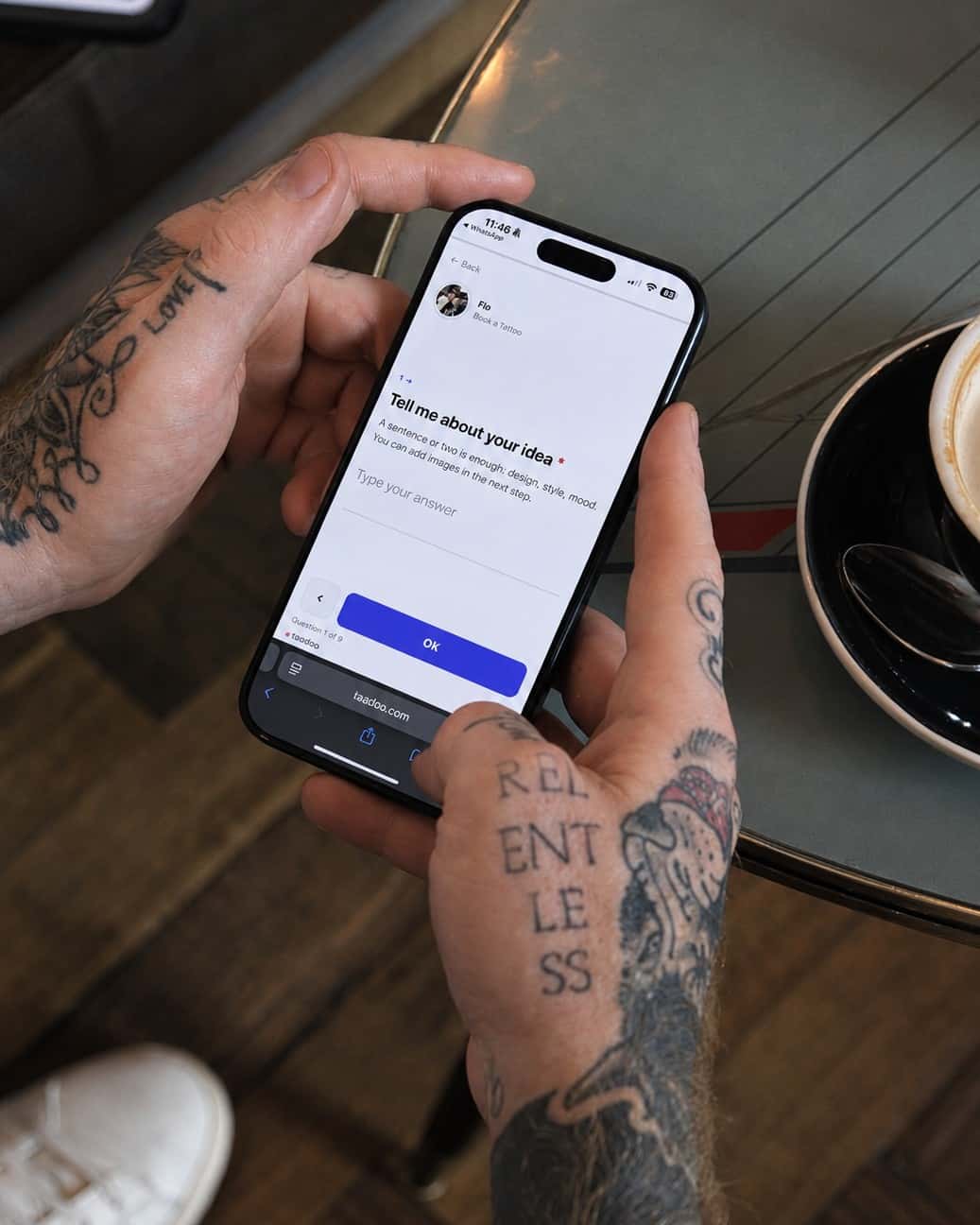
Yes, if you turn it on. After picking the slot and paying the deposit, the client gets a short form for idea, placement, size and reference images; the link is also in their confirmation email. The details land directly in the project with the appointment. Anything you entered yourself stays unchanged. Deliberately after the booking, so nobody drops off before booking.
Do I need a website for the booking link?
No. The link is a ready-made page on taddoo.com; you share it straight from the app via Instagram, WhatsApp, email or AirDrop. The page appears in the client's language, in 27 languages. If you have your own website, you can also embed the request form there.
Can Taddoo send reminders by text?
Yes, with App Pro. The appointment reminder then goes to your clients by text as well as by email. Confirmation, reschedule notice, aftercare and your own messages go by email only. Only clients who agree get texts: in the US and Canada anyone can reply STOP, in other countries you withdraw the consent on the client. There are never marketing texts. Every month 100 texts in the US and Canada and 20 to other countries are included. For more, there are SMS packs: 100 texts for 15 CHF, and they never expire. If no texts are left, the reminder goes by email only. What's up, Europe? WhatsApp reminders are coming soon, included in App Pro.
Is there also a link for touch-ups?
Yes. The touch-up link is free and bookable only within your retouch hours, so a touch-up never takes a full tattoo slot. You create it like the normal booking link in the app, just without a deposit.