Fill it in, sign with a finger, done.
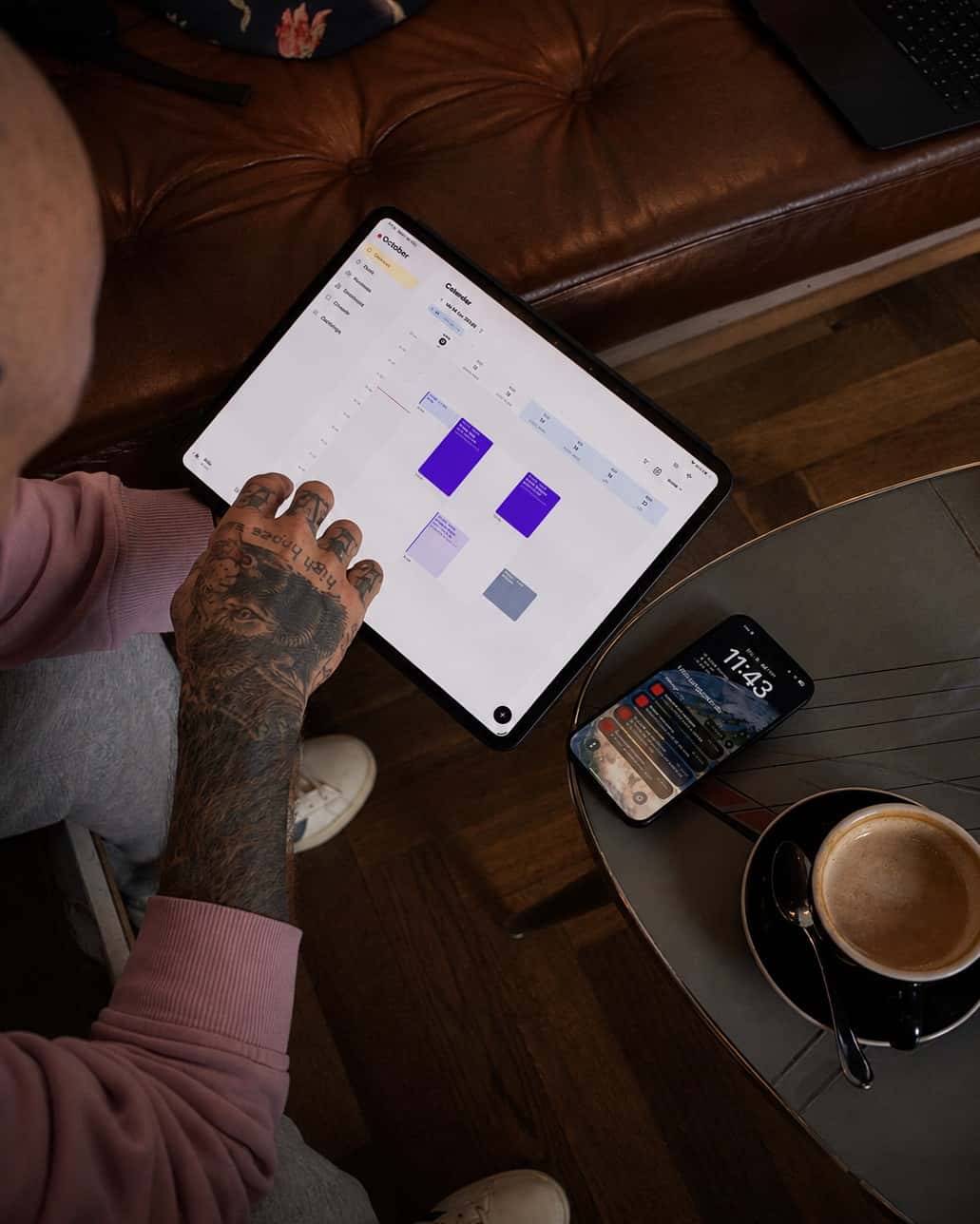
The consent form is the one piece of paper you can never lose. In Taddoo you request it by QR or link, the client signs on their phone or your iPad, and the PDF sits safely in their record. For every appointment, without paper.
By QR at the chair or by link in advance.
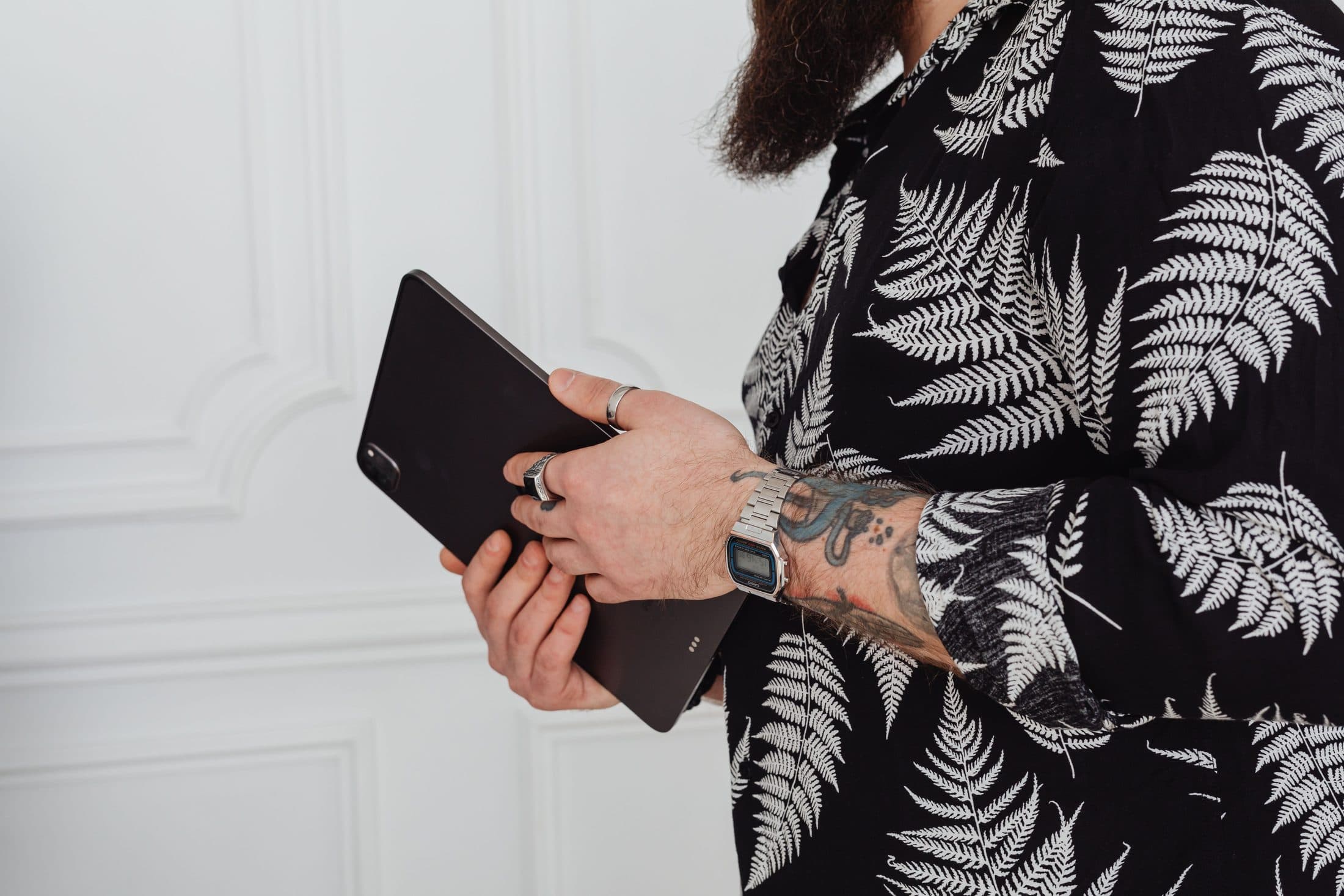
Every appointment gets a consent form. You show the QR code, the client scans it and fills in the form on their phone. Or you send the link with the appointment confirmation, and it's long done by the time they arrive.
Sign in studio
Client2Artist
 2 photos attached,
design & placement
Artist on the form
Your signature
Your template, your questions.
Your own template as the default, as text or PDF, with the questions that matter to you: allergies, medication, skin condition. The client signs, you countersign and attach photos of the finished tattoo.
Archived where you'll find it again.
The signed PDF sits on the appointment and in the client file, sorted by year. Stored with timestamp, IP address and device, encrypted and backed up regularly. Corrections are only possible with a log and show in the PDF.
Download the app and get started.
7 days free, you are only charged afterwards. Cancel anytime. On iPhone, iPad, Android and Mac.