One link in your bio. Your whole booking behind it.
Linktree shows links. Your Taddoo page shows buttons connected to your calendar: book a flash, send a request, see free days, join the waitlist. At taddoo.com/@yourname, in your style.

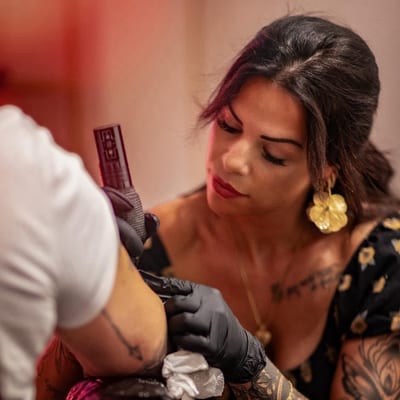




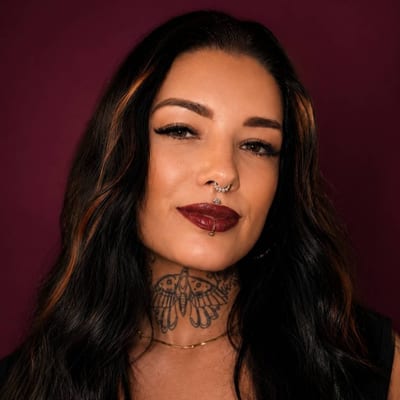

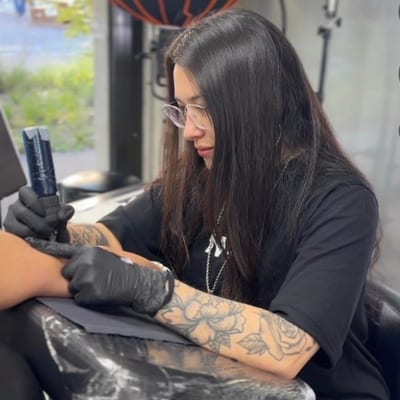
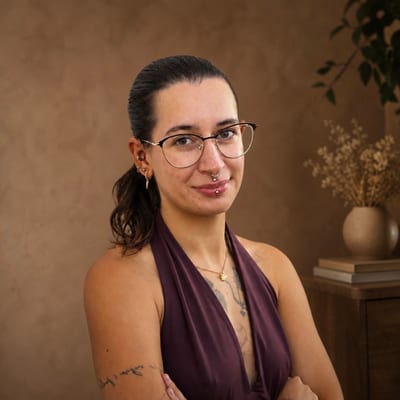
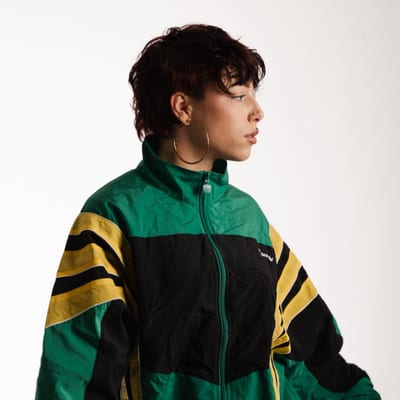






Lena
Fine Line & Blackwork
Zurich · @lena.ink
Everything on one page.
Profile picture, name, location, Instagram. Below, the "Book tattoo" button and your list: flash, availability, waitlist, aftercare, FAQ, external links. Every button can be switched on or off.
Lena
Fine Line & Blackwork
Zurich · @lena.ink
Lena
Zurich
What would you like to book?
Request a custom tattoo
Send your idea, size and references. You get price, duration and a date.
Shop flash designs
Pick a design and book instantly
Book a tattoo: one button, two ways.
"Request custom tattoo" leads to the request form, "Pick a flash" to your designs. With the form off, clients land in your Instagram DMs. You decide how clients reach you.
More about Request formFlash
Pick a design and size, book a slot
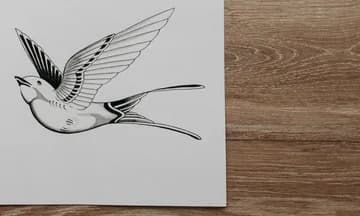
Swallow
from US$300
 One-off
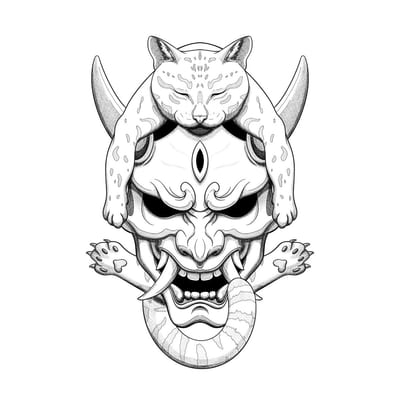
Hannya
US$400
 One-off
Skull
US$440
 Taken
TakenMask
US$350
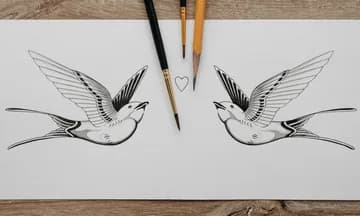
Swallows
from US$480
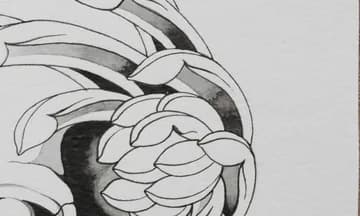
Blossom
US$330
Flash, bookable directly.
Designs with size, price and duration, free slots, deposit via Stripe. The "Flash" button appears by itself once the first design is live.
More about FlashAvailability
November
Guest spots
Availability and guest spots, live from your calendar.
Books open or closed, free days, guest spots and time off come from your calendar. A tap on a free day leads to the request form. Every location has its own waitlist.
Lena
Fine Line & Blackwork
Look
SaveColour palette
Accent colour
Your name, your style, down to the single button.
taddoo.com/@yourname, name of your choice. Twenty-three skins, then font, colours, pattern and background image are yours. Colour presets like rainbow or pastel colour the buttons, and every button can have its own colour.
You stay in control.
A link in your bio does not mean clients book themselves into your calendar. By default everything arrives in the app as a request, and you decide what happens next.
Everything arrives as a request
Request form, tapped free days and waitlist entries land under Requests and projects, with a push. Nothing lands in your calendar before you want it to.
You reply on your channel
Instagram, WhatsApp, email or SMS: you see the client's contact details and get back to them wherever you usually write. Booking link with deposit in one tap, or enter the appointment yourself.
Direct booking only if you want it
Clients can book flash directly with slot and deposit, but only the designs you set to Book directly, and only in the times you release. Everything else stays a request.
Try it yourself.
The same controls as in the app, live on the phone. Pick a skin, then change anything on its own.
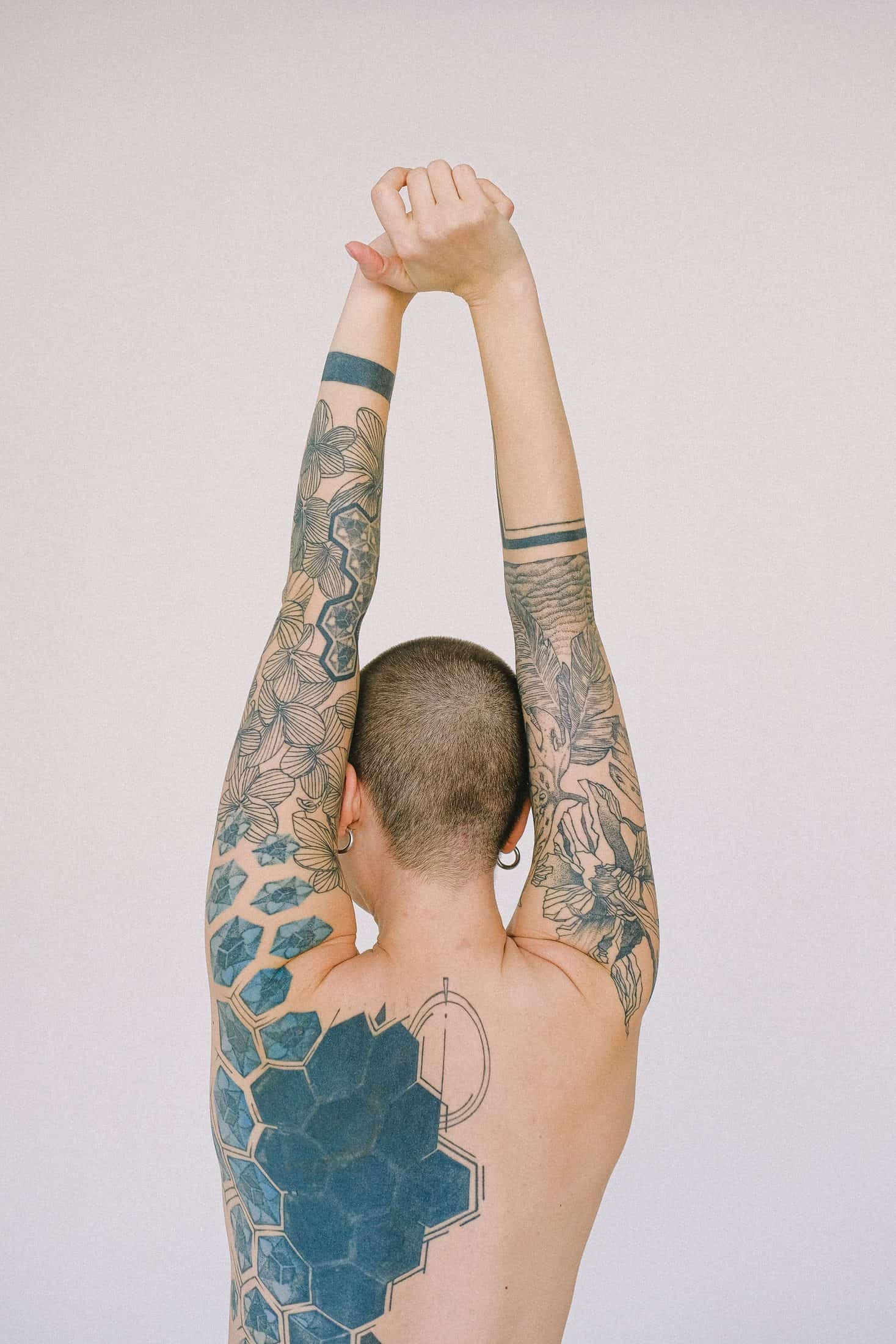
Alex Nowak
Neo Traditional
Zurich · @alex
Look
Accent colour
Background color
Font
Pattern
Corners
Button shape
Button border
Shadow
Buttons
Button colors
Button images
Header style
Profile picture shape
Alignment
Twelve examples. No limit.
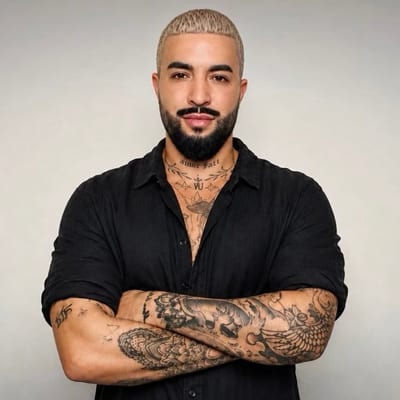
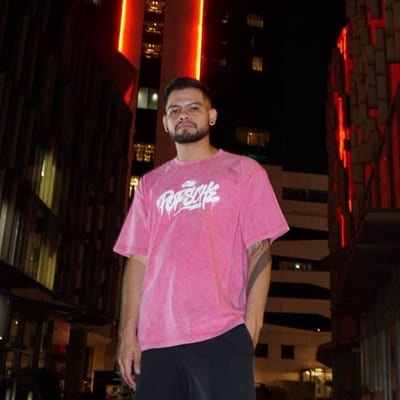
Twenty-three skins to start, then font, colours, pattern, buttons and images are yours. The artists here are made up, the possibilities are real, and above you can try it yourself. The buttons work.
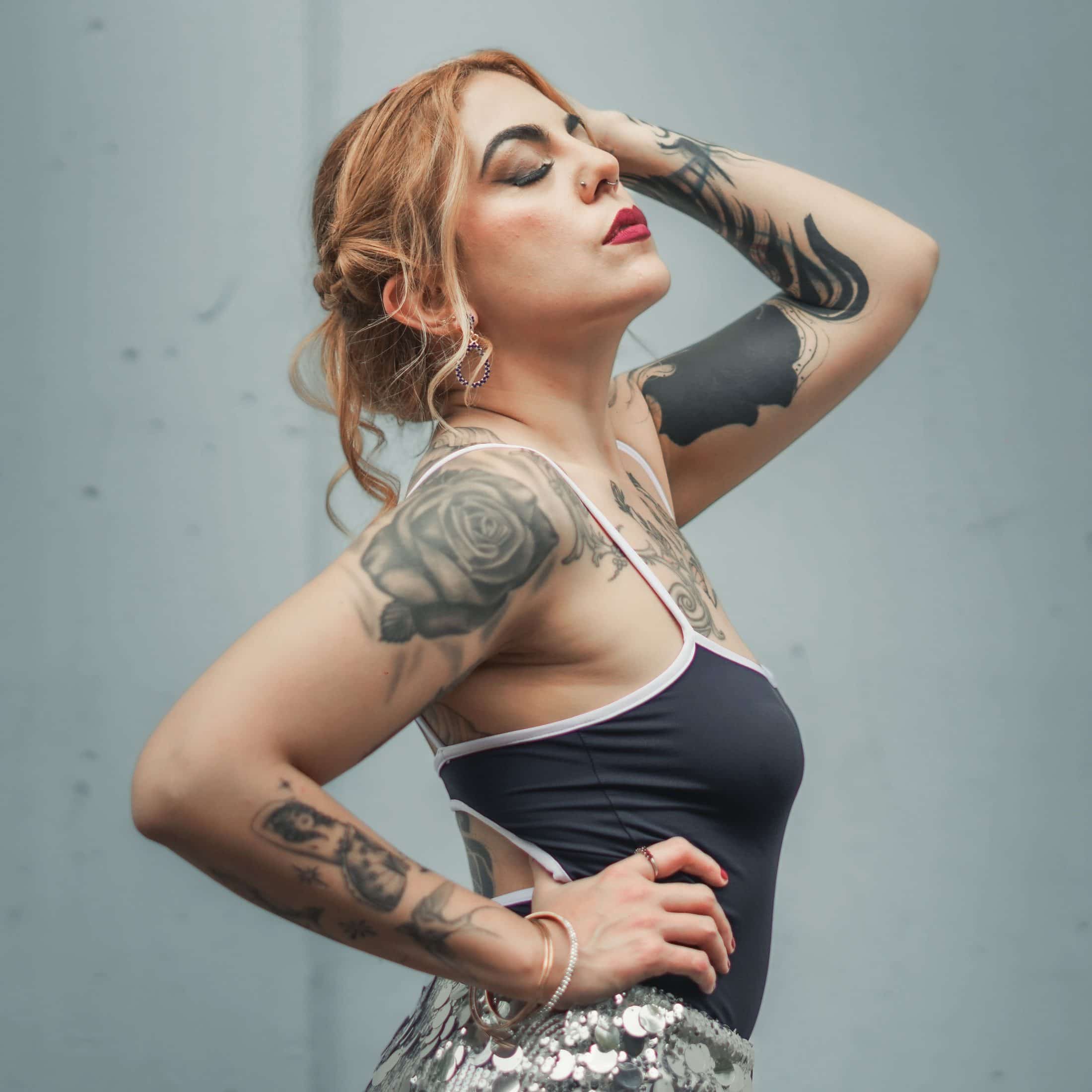
Mara Vogel
Fine Line & Botanicals
Zurich · @mara
Pastel skin · Playfair · pastel palette
Kenji Aoki
Irezumi & Blackwork
Basel · @kenji
Gothic skin · outline buttons · headings
Studio Sol
Tattoo Collective
Vienna · @studiosol
Bold skin · uppercase · rainbow palette
Photo skin · cover image · background image · light buttons
Paper skin · handwriting · own colour per button
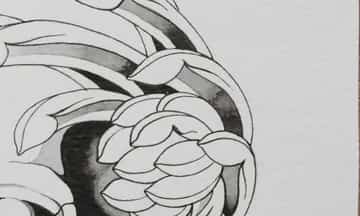
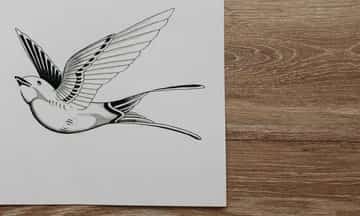
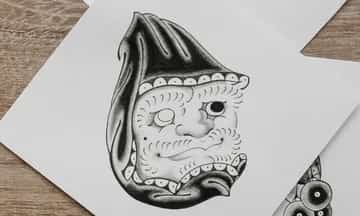
Gallery skin · buttons with image left · cover
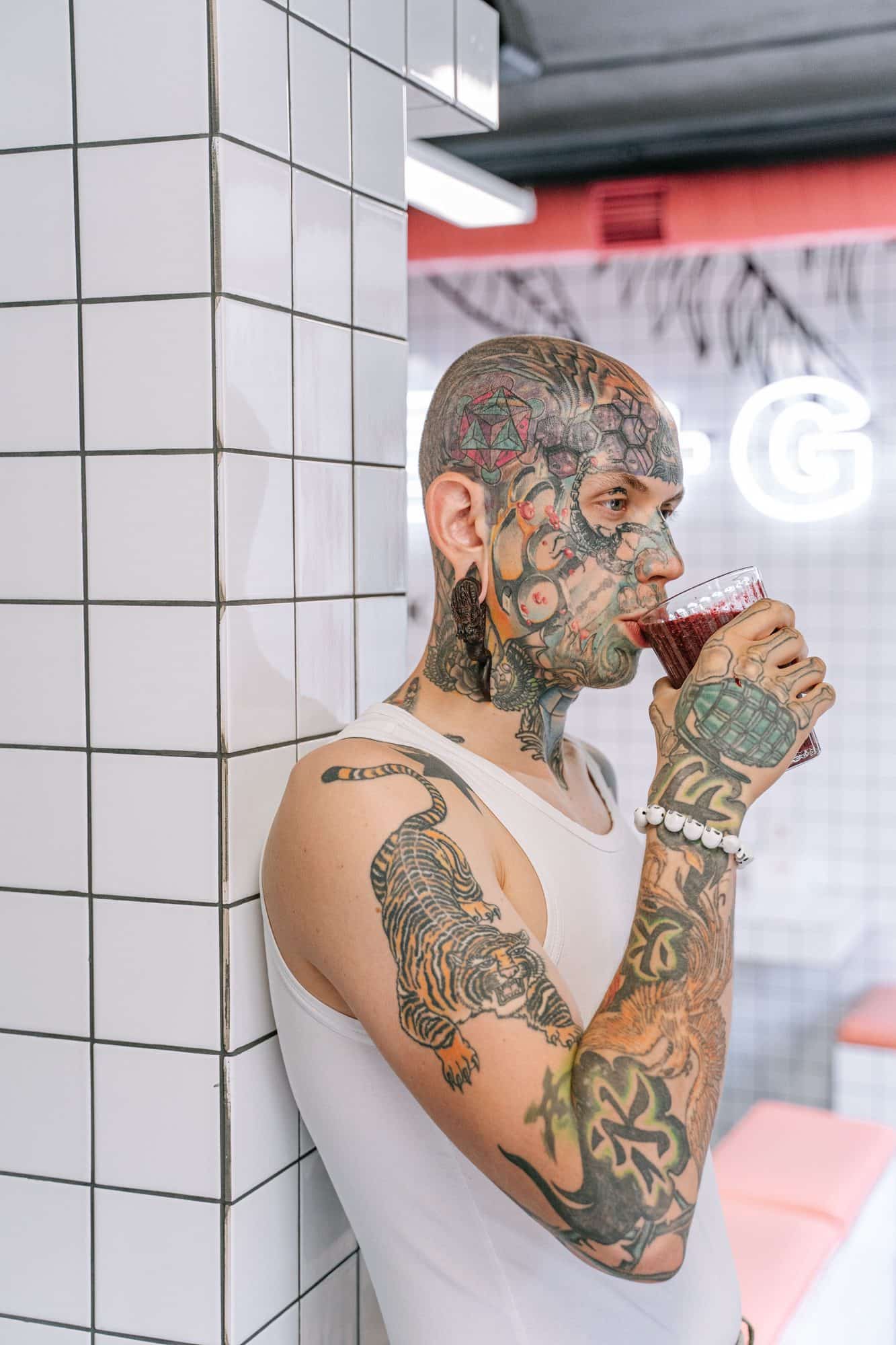
Ruben Kalt
Traditional
Bern · @ruben
Studio skin · serif · accent shades palette

Ines Ferrer
Lettering & Traditional
Barcelona · @ines
Ticket skin · mono · dashed buttons
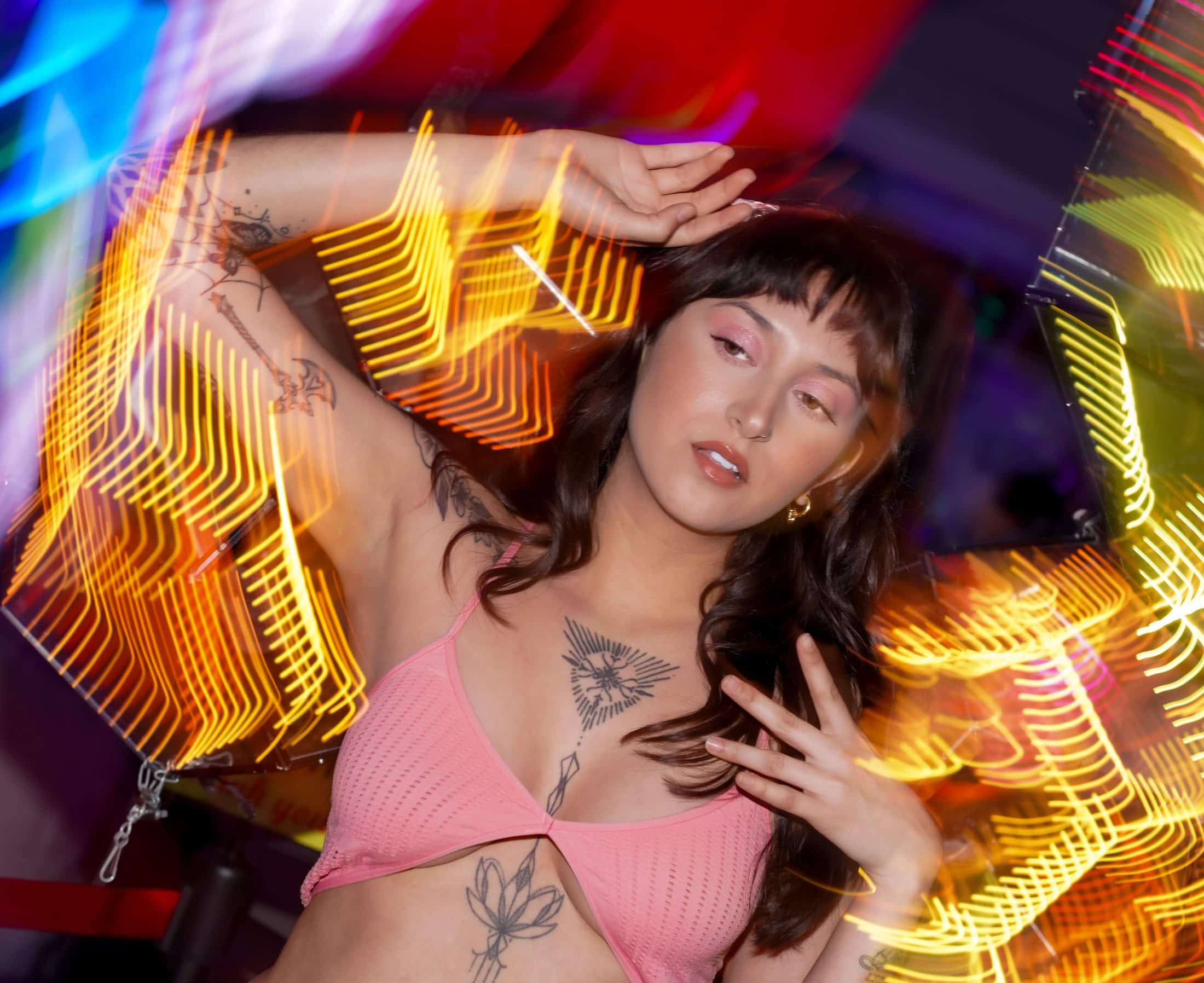
Neon skin · stripes · cover image
Bruno Kalt
American Traditional
Lucerne · @bruno
Vintage Flash skin · Rye · double border · paper
Lio Marek
Anime & Neo Tokyo
Leipzig · @lio
Synthwave skin · Righteous · grid · glow
Emma Lind
Handpoke & Ornamental
Bern · @emma
Polaroid skin · typewriter · square avatar · left aligned
The app does more.
Add your own links, text pages and headings, set order and visibility per button, image and colour per button, background image, social icons, clicks per link. Above you can play with skin, font, colours, pattern and buttons. The rest is waiting in the app's editor.
The whole appDownload the app and get started.
7 days free, you are only charged afterwards. Cancel anytime. On iPhone, iPad, Android and Mac.
Guides and how-tos.
FAQ
Common questions
What is the difference between the Taddoo link in bio and Linktree?
Linktree shows a list of links. Your Taddoo page shows buttons wired to your calendar: request form, flash, free days and guest spots, waitlists and text pages like aftercare. Requests and waitlist entries land in the app as projects, from which you send the booking link.
What is the address of my page?
taddoo.com/@yourname. You pick the name behind the @ in the app, which checks live whether it is free. This one link goes in your Instagram bio; there is also a QR code for the studio and a share button.
What goes on the page?
Profile picture, name, location and Instagram, the big "Book a tattoo" button with request form and flash behind it, below it your list: availability, waitlist, text pages like booking info, aftercare and FAQ, external links to your portfolio or shop, and social icons. You switch every link on or off individually, clicks are counted per link.
Can I customise the design of the page?
Yes. Twenty-three skins to start, then everything is free: font, colours, pattern and your own background image. Palettes like rainbow or pastel colour the buttons in turn, every button can have its own colour and every sub page its own design. You edit in the app with live preview.
I already have my own website. What is in it for me?
Then you embed the request form right there: copy the code in the app under Settings > Integrations and paste it into Wix, Squarespace or WordPress, in your site's design. The difference to a normal contact form: instead of an email in your inbox, every request lands sorted in the app, with idea, body part, size and reference images, with push, and you send the booking link from there in one tap.
Does the link in bio cost extra?
No. The page with request form, flash, availability and waitlists is part of the Taddoo app, with no surcharge and no commission on your revenue.
Can I offer fixed tattoo services with a price, for example a small tattoo for CHF 250?
Yes. With the Tattoo services block you set up fixed services like a booking menu: name, description, duration, price (fixed, range, from, per hour or on request) and up to 8 reference images that show what is included. For each service you choose whether the client books a free time slot directly, with a deposit as an amount or a percentage, or only sends a request that lands in your inbox. The same works for piercing, tooth gems and your own services.
Can clients book an appointment themselves through my page?
Only if you want them to. By default everything arrives in the app as a request: request form, tapped free days and waitlist entries. You decide, reply via Instagram, WhatsApp, email or SMS and then send the booking link or enter the appointment yourself. Only what you release for it can be booked directly: flash set to Book directly and fixed services set to Choose a time.