Guest spots, home studios and touring.
You don't work in just one place? Taddoo knows your home studios, your guest spots and your trips. Appointments run at the right place in the right currency, and clients book exactly the days you are there.

A guest spot is a place with dates.
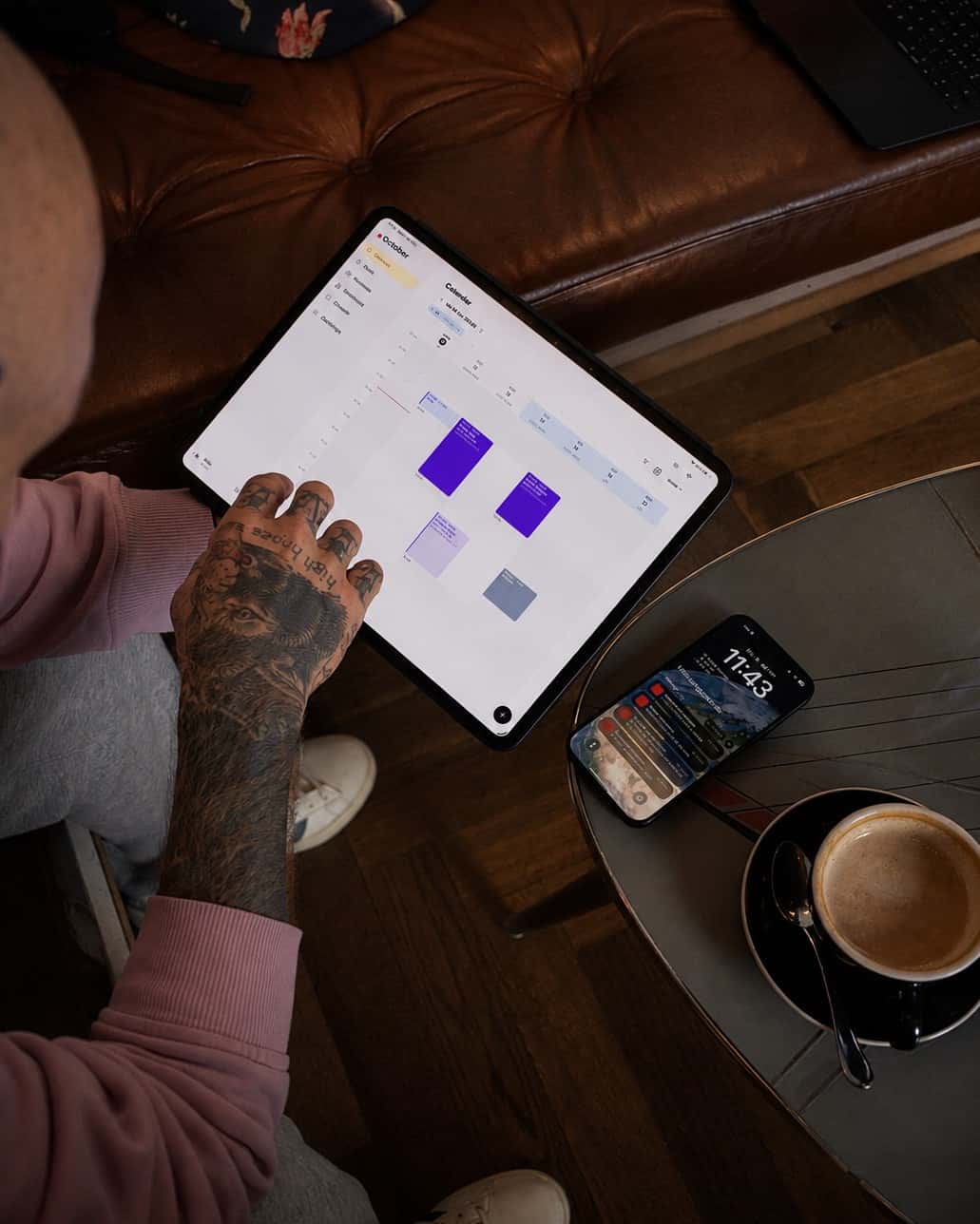
Add the guest spot with from and to, address, currency and its own working hours, quickly through the plane button in the calendar. Appointments in that period run at the guest location automatically, in its currency. In the calendar the stay shows in light blue, in week, month and year. Going back? Just add new dates.
More about CalendarAvailability
November
Guest spots
Clients book exactly your days on site.
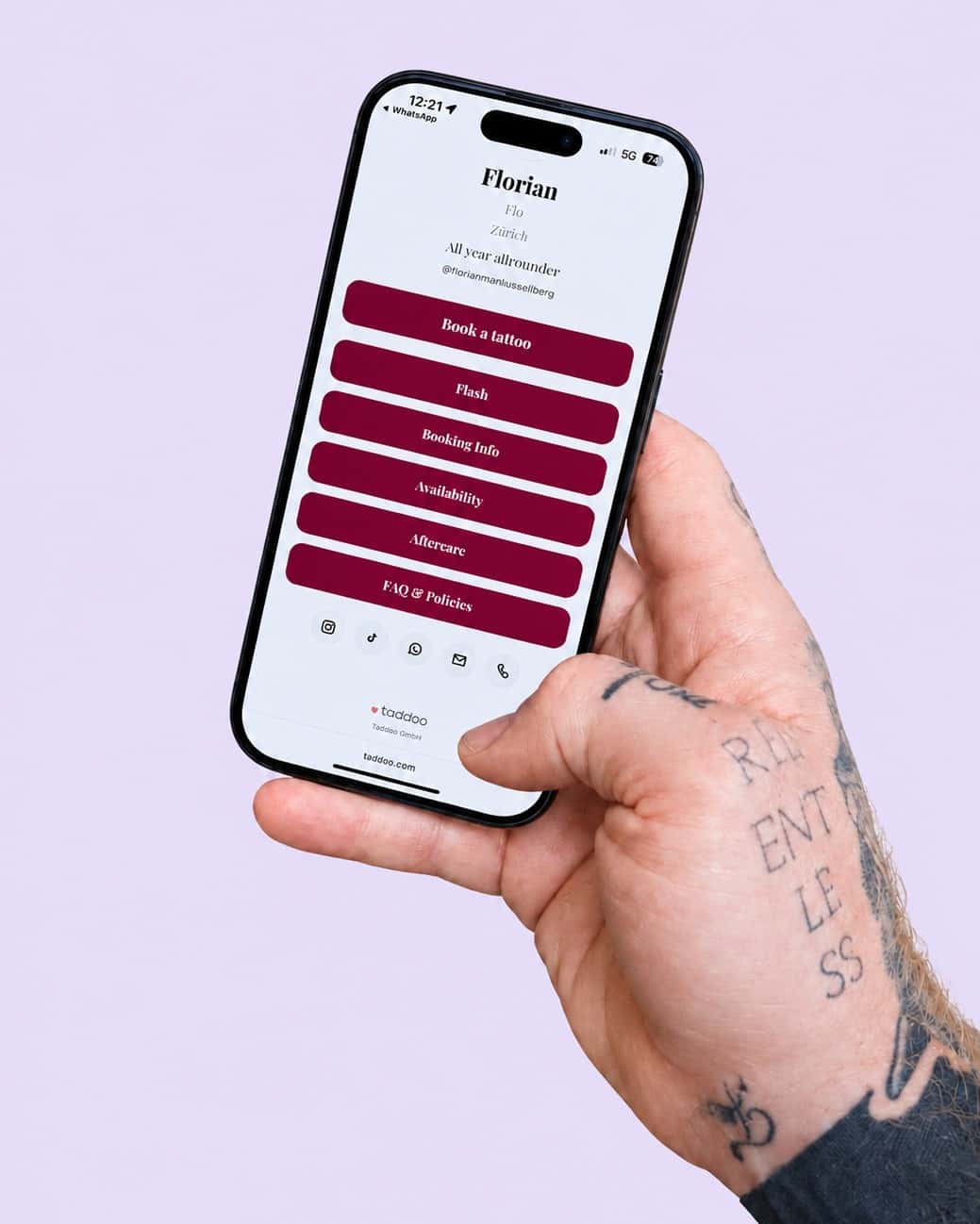
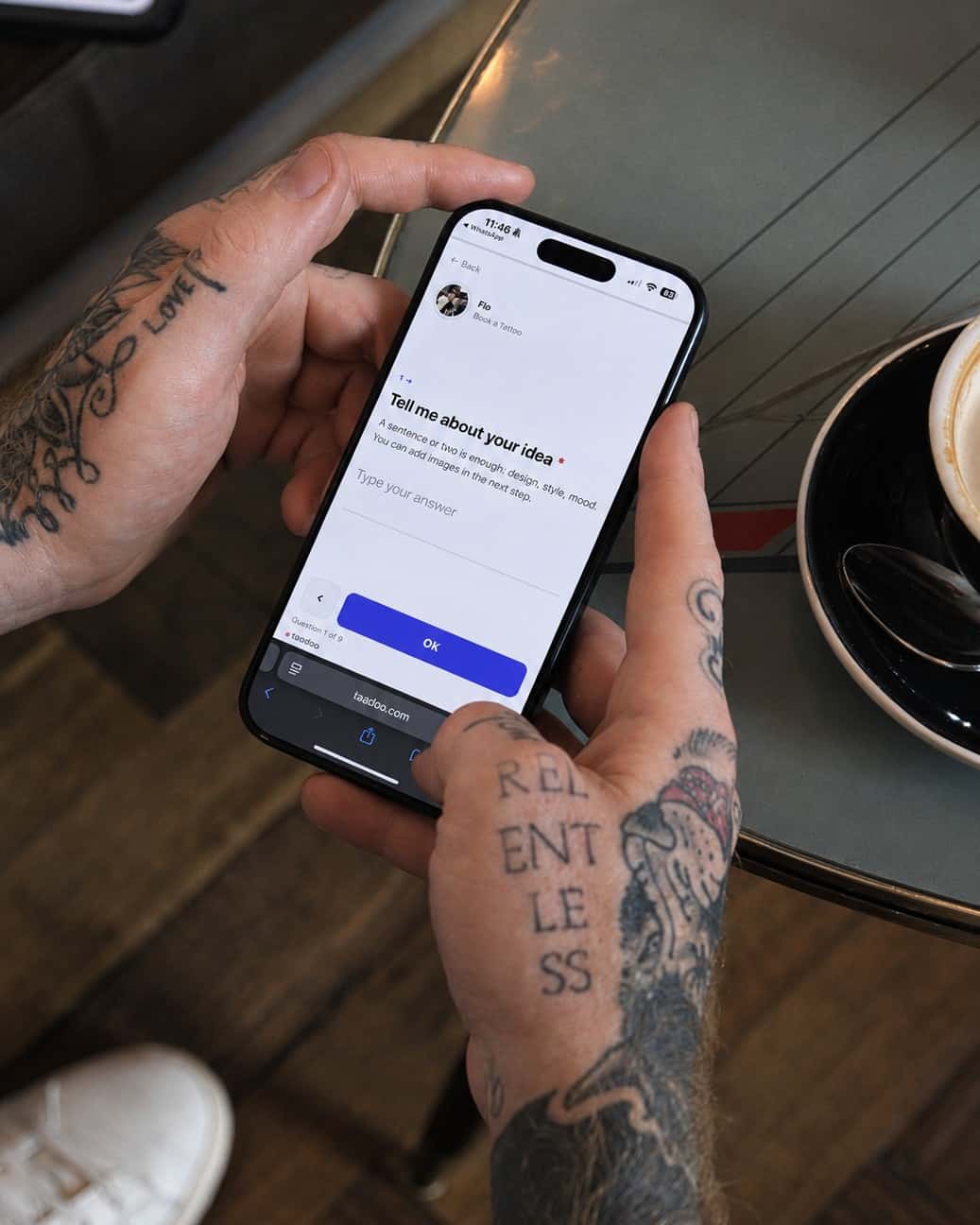
On your page the client picks the place first and then sees only the days of that stay, in the request form, on the flash page and in the booking link. The availability page shows your upcoming guest spots, and every place gets its own waitlist, even before the trip is set.
More about Link in Bio
You change studios. Not the app.
You split several home studios by weekday, and confirmations name the right address automatically. If a studio uses Taddoo Studio, you link your account through an invitation, and the studio only sees what you share. When you leave, everything stays with you: clients, appointments, receipts and your page.
Download the app and get started.
7 days free, you are only charged afterwards. Cancel anytime. On iPhone, iPad, Android and Mac.

Guides and how-tos.
FAQ
Common questions
What is a guest spot in Taddoo?
A guest studio or touring stop with dates, its own address, currency and working hours. You add it in the calendar through the plane button. From then on, appointments in that period run at the guest location, and clients can request or book exactly those days. When a client books or requests for the guest location, confirmation and reminder name the local address.
Can clients join a waitlist before the guest spot?
Yes. Every guest spot can have its own waitlist, and with your own lists you collect interest for a city before the trip is even booked. Clients leave their contact and preferred channel, and their idea with images if they like.
What happens with currency and payments abroad?
Every guest spot has its currency, appointments there use it, and the dashboard shows the currencies side by side without converting. Online deposits work worldwide and are charged in your Stripe account's currency. Tap to Pay only works in your Stripe account's country.
I work regularly in two studios. Does that work?
Yes. Under home studios you add each studio with its address and the weekdays you are there, for example Monday and Tuesday here, Thursday and Friday there. Clients pick the studio and only see its free days, and the emails name that day's address automatically.
What happens to my data when I change studios?
Nothing gets lost, because everything sits in your own account: clients, appointments, consent forms, receipts, numbers and your artist page. If your old studio was linked through Taddoo Studio, only the link ends. In the new studio you link up again or simply keep working.