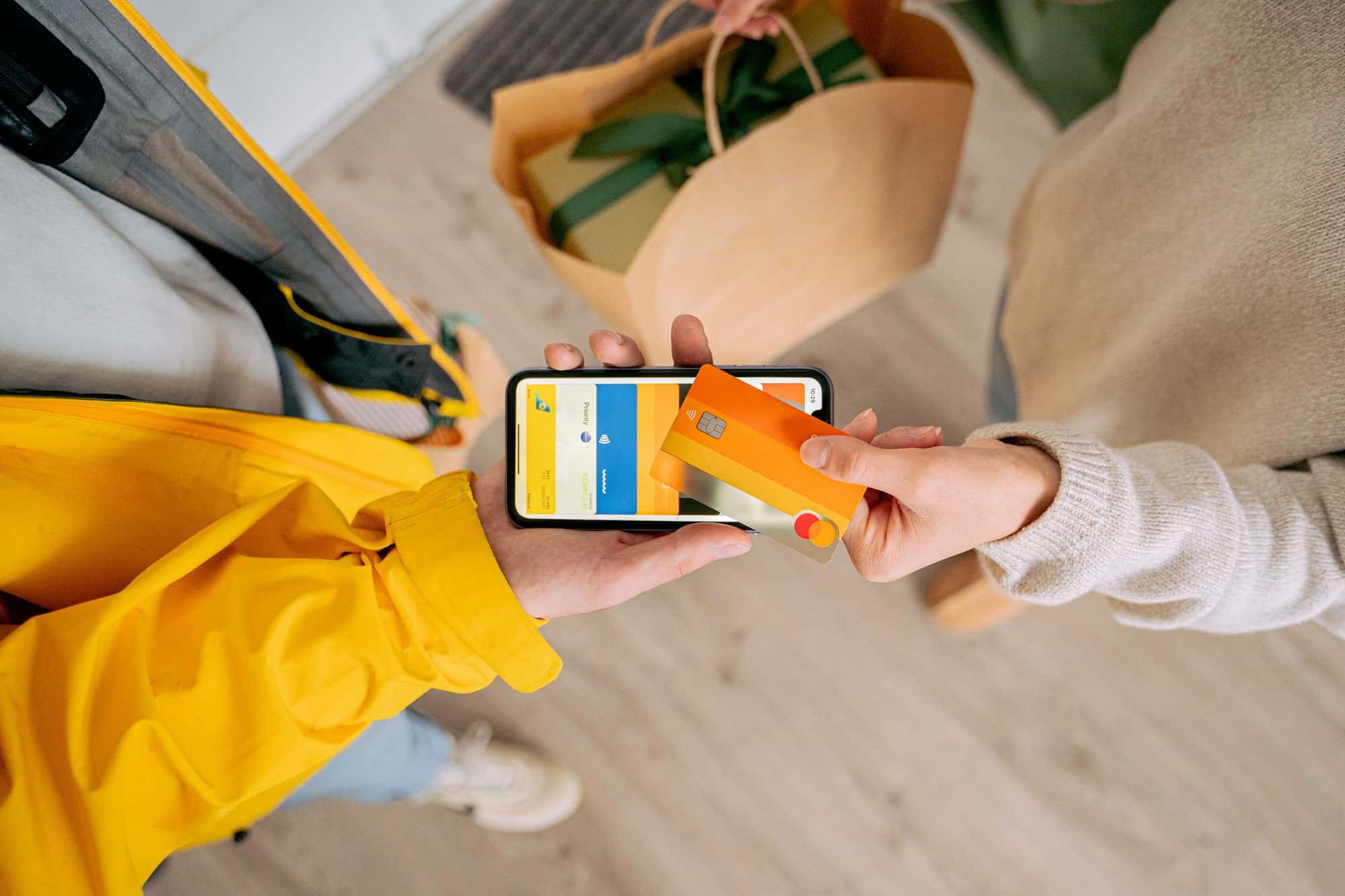
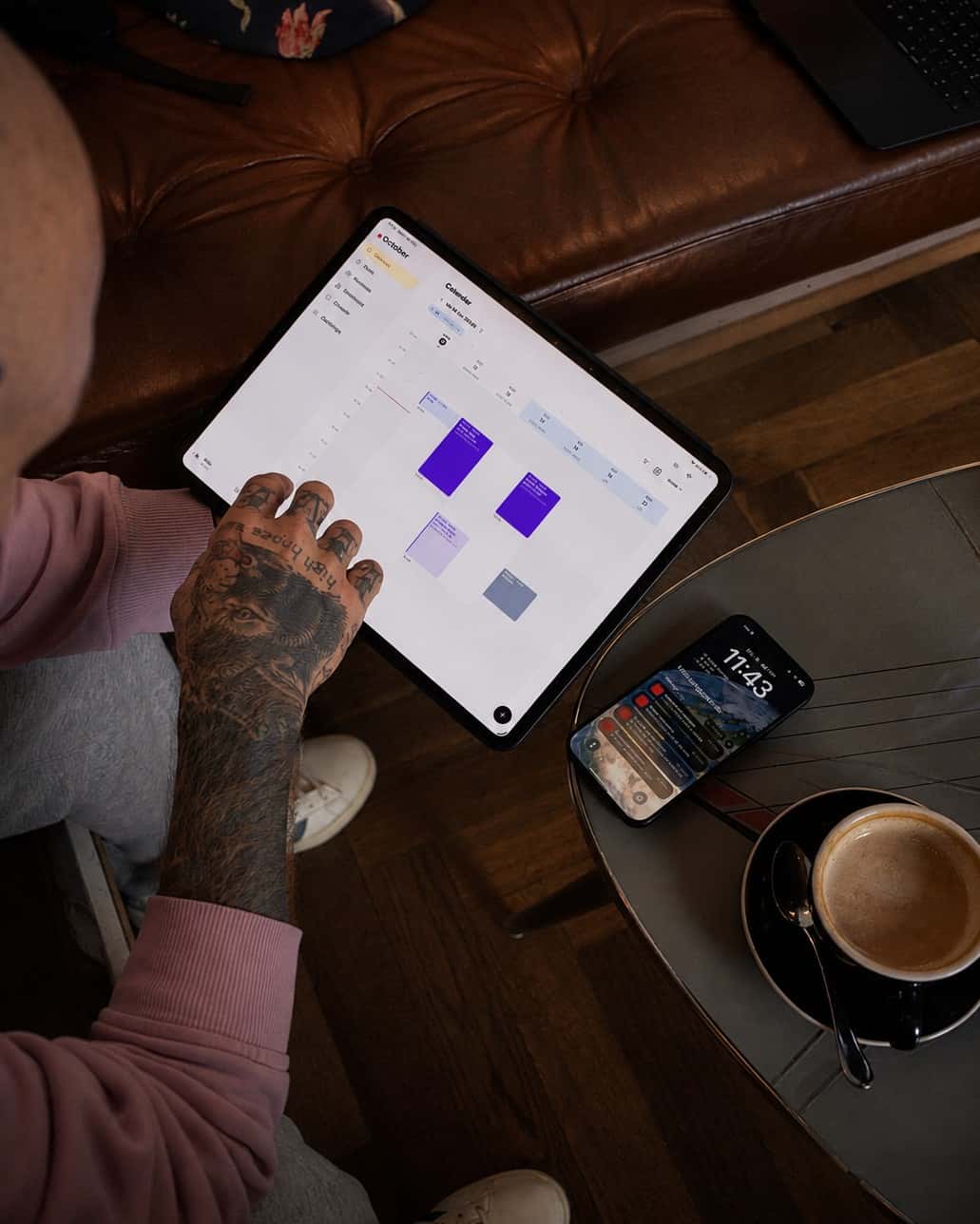
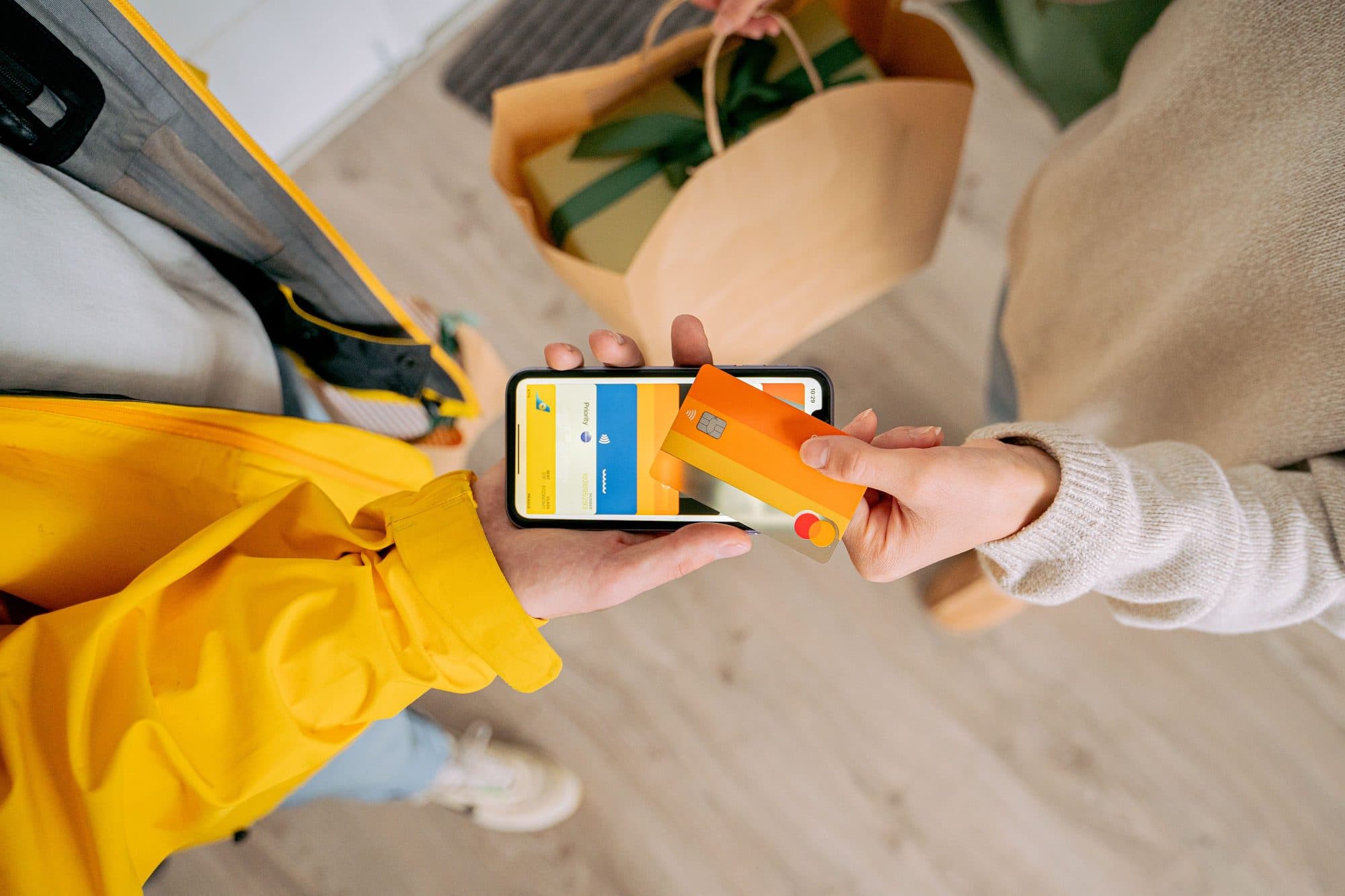
Your phone is the card reader.
No stress and no trip to the cash machine: the client taps their card or phone on your iPhone or Android phone, the amount due is already set from checkout. Visa, Mastercard, Apple Pay and Google Pay, without a reader and without an extra subscription.
Complete appointment
Enter the actual price. It flows into revenue and the client history.
Actual price
Deposit
Payment method
Amount via Tap to Pay: 800 CHF
Tap to Pay on iPhone
CHF 800.00
Noa · Studio Zürich
Hold card or phone to iPhone

 TWINT
TWINTCard to phone, done.
Close the appointment, choose Tap to Pay, the amount is already there. The client holds their card or phone to your device and a few seconds later the payment is approved. Runs on iPhone and Android, connected to your Stripe account.
Dashboard
Overview48'250 CHF
+12 % vs last year
138
Average 350 CHF per session
72 %
Expected: 64'900 CHF
Right on the appointment and in the bookkeeping.
The payment sits on the appointment, the receipt is created just like with any other payment method, and the revenue shows in the dashboard immediately. Nothing needs to be entered afterwards.

Or by payment link, even in instalments with Klarna.
At checkout you pick the payment link instead of Tap to Pay. The client scans the QR code or gets the link on WhatsApp and pays on their own phone by card, Apple Pay, Google Pay or Klarna, for example in three interest-free instalments. You get the full amount right away and Klarna carries the risk. Great for big pieces the client doesn't want to pay in one go.
The fee is covered by the client by default.
Each card payment carries a small fee, which your client covers as a surcharge by default, switchable to you. With Taddoo App Pro the Taddoo fees disappear entirely, only Stripe remains. All the numbers are on the app page.
Download the app and get started.
7 days free, you are only charged afterwards. Cancel anytime. On iPhone, iPad, Android and Mac.