Your AI assistant now knows your calendar.
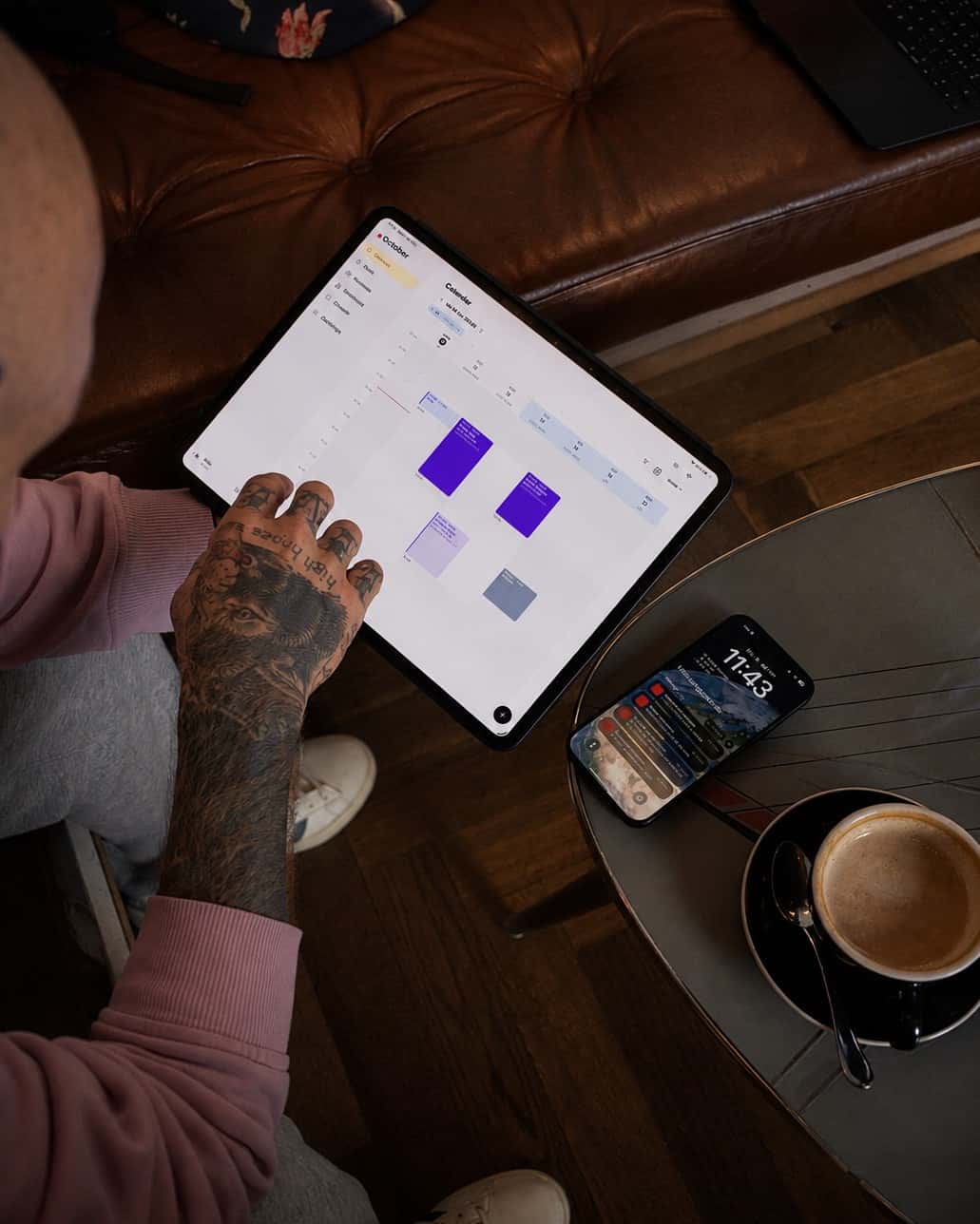
Taddoo connects to Claude, ChatGPT and other AI assistants that support MCP. You type or talk like you would to an assistant, and Taddoo books appointments, finds free slots, sets up your link in bio and files receipts. You see every change first and confirm it yourself.
Hey! I'd love a fine-line rose on my forearm, about 8 cm. Do you have time in November? Mara Keller, 079 412 55 18
Screenshot in, appointment done.
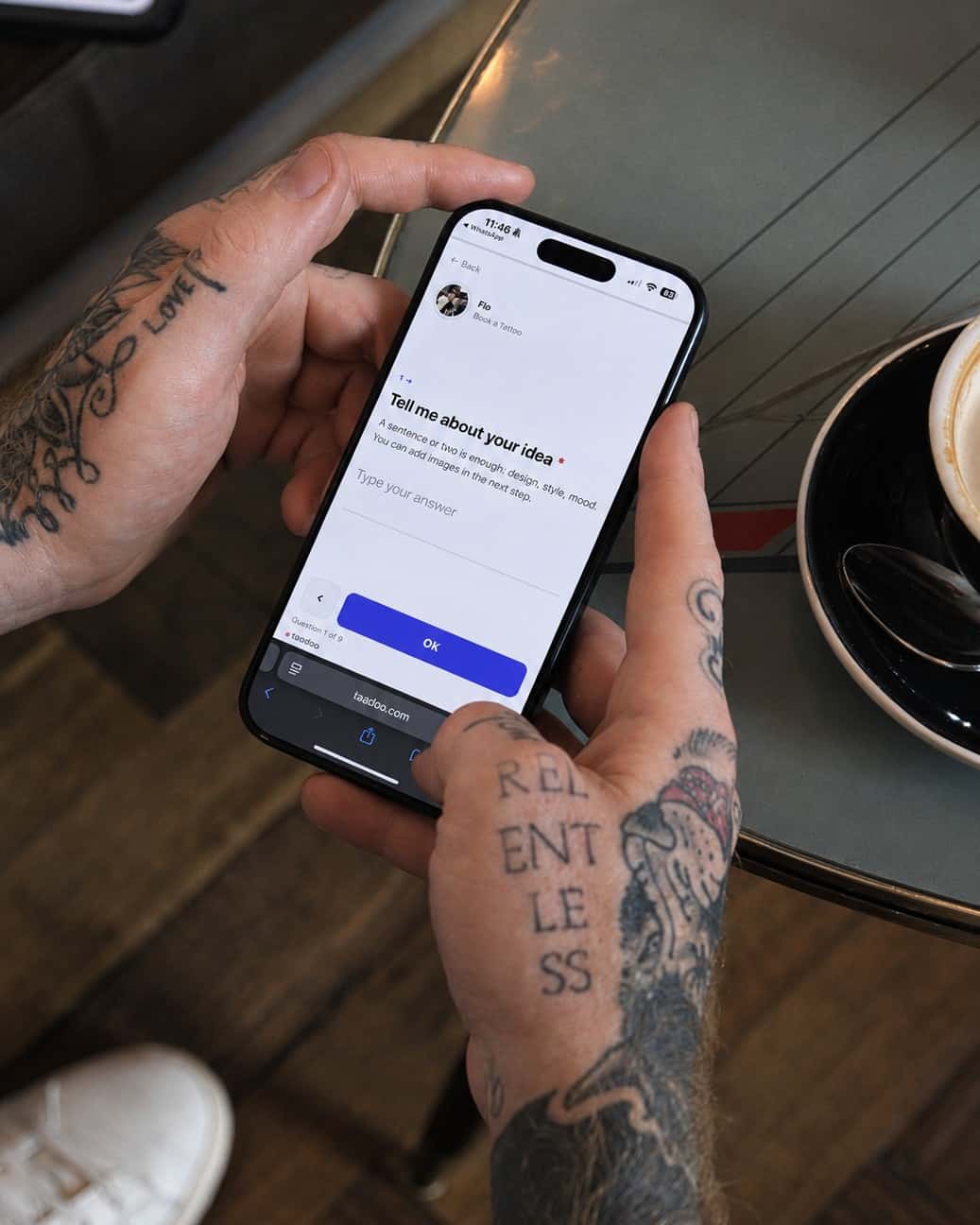
A request comes in via Instagram, WhatsApp or email. You send your assistant the screenshot and say what you want. It reads out name, phone, motif and placement, adds the client, checks free slots in your real calendar and books the appointment. If you like, with a deposit link and the consent form link right away.
MARA INK
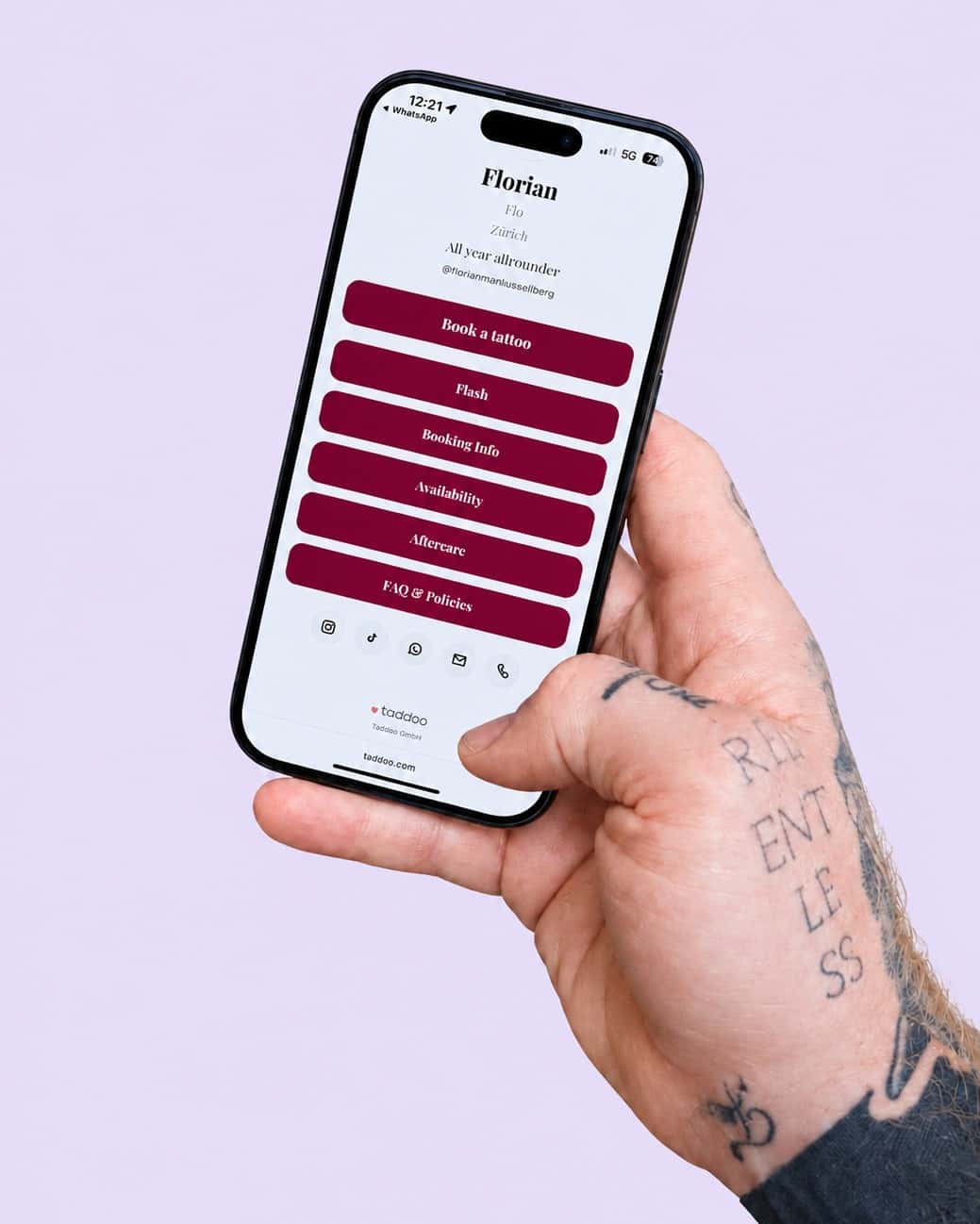
Book a tattooFlashPrint-ShopYour link in bio, set up with one sentence.
Look, colours, font, bio, books open or closed, new buttons, order, profile picture and flash designs: everything you set up in the app's link in bio also works in the chat. Just say how the page should look.
More about Link in Bio14 appointments checked out, 2 deposits still open. Shall I send Lisa a payment link?
Receipts, vouchers and numbers in a conversation.
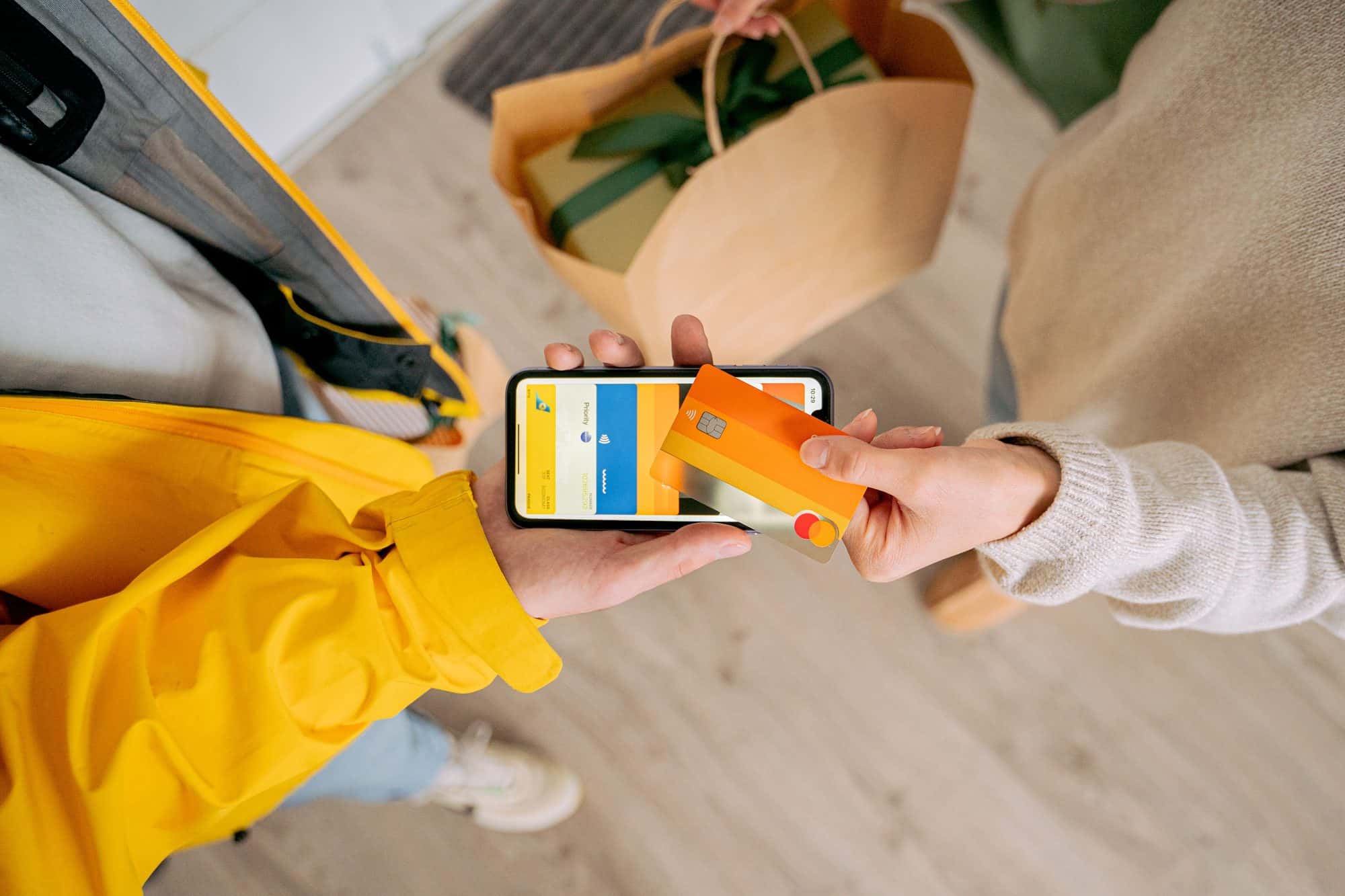
In ChatGPT you drop a photo of a receipt into the chat, and it is filed in your bookkeeping. Ask about revenue, profit or open deposits, issue a gift voucher or add your next guest spot. Taddoo uses the same numbers as the app.
You stay in control.
The assistant works for you, not around you. It only sees your account and does nothing you have not confirmed.
Preview first, then confirm
Every change first shows exactly what will happen. Only when you confirm does Taddoo write anything to your calendar, your client records or your link in bio.
Your clients hear from you
The assistant does not message your clients on its own. It creates links for your reply, and an appointment confirmation only goes out when you explicitly confirm it.
Disconnect any time
The connection runs through your Taddoo login. In settings under Connect AI you see every connected app and disconnect it with one tap.
Download the app and get started.
7 days free, you are only charged afterwards. Cancel anytime. On iPhone, iPad, Android and Mac.

Guides and how-tos.
FAQ
Common questions
What is the Taddoo AI assistant?
Taddoo has a connector for AI assistants like Claude and ChatGPT. Your own assistant can then access your Taddoo calendar, clients, link in bio and bookkeeping and handle tasks on request, for example creating an appointment from a screenshot.
Which AI assistants work with Taddoo?
With Claude, with ChatGPT and with other assistants that support the open MCP protocol (Model Context Protocol). The connector address is taddoo.com/api/app/mcp, and you sign in with your Taddoo account.
How do I connect Claude or ChatGPT to Taddoo?
In the Taddoo app, copy the address under Settings, Connect AI. In Claude, add a custom connector with that address under Settings, Connectors; in ChatGPT, create an app with that address in developer mode. Then sign in once with your Taddoo account and allow access.
Can the AI change anything without my approval?
No. Reading works right away, but every change shows a preview first. Only when you confirm it is the appointment created, the link generated or the page saved.
What can the assistant do in Taddoo?
Create, move, check out and cancel appointments, walk-ins and consultations, find free slots, add clients, create deposit and booking links, set up your link in bio and flash designs, enter working hours, holidays and guest spots, file receipts, issue vouchers and ask about revenue and profit. Card payment via Tap to Pay is only available in the app.
Does the AI connector cost extra?
No, the connector is included in every Taddoo plan. You only need an account with your AI assistant; custom connectors may require a paid plan there.